
OneChanger ROM Installation Guide - Pixel 3a (sargo)

OneChanger Resource Center
Resources for: Pixel 3a (sargo)
PC Software
Download Setup Tool
ROM OneChanger
1.OS ROM Installation
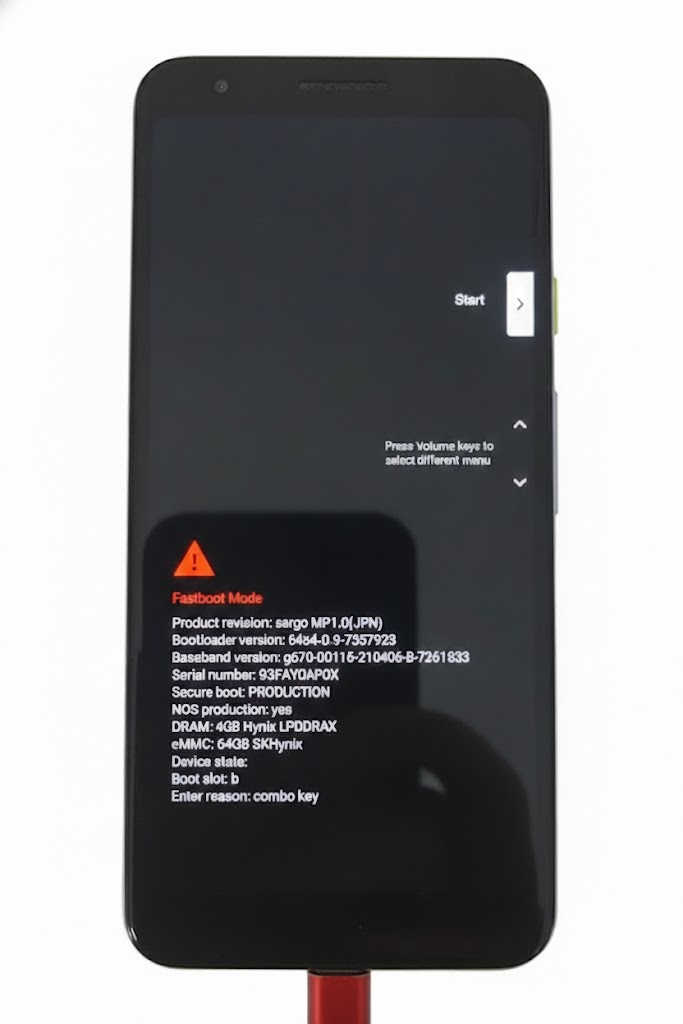
1Step 1: Prepare & Enter Fastboot
- Power off the phone.
- Hold Power + Volume Down (Vol -) to enter Fastboot Mode.
- Connect to the computer via a USB cable.
2Step 2: Run Setup Tool
- Open the downloaded setup tool, e.g.,
Setup_ROM_3a_Android12_ONEChanger.exe. - Click LOAD to detect the device.
- Select Install ONEChanger ROM.
- Wait for the tool to run automatically (device will reboot several times). DO NOT DISCONNECT.
Setup ROM Pixel | OneChanger
Index
Device Id
Progress
Status
1
0091bf750804
fastboot
Fastboot
Note:
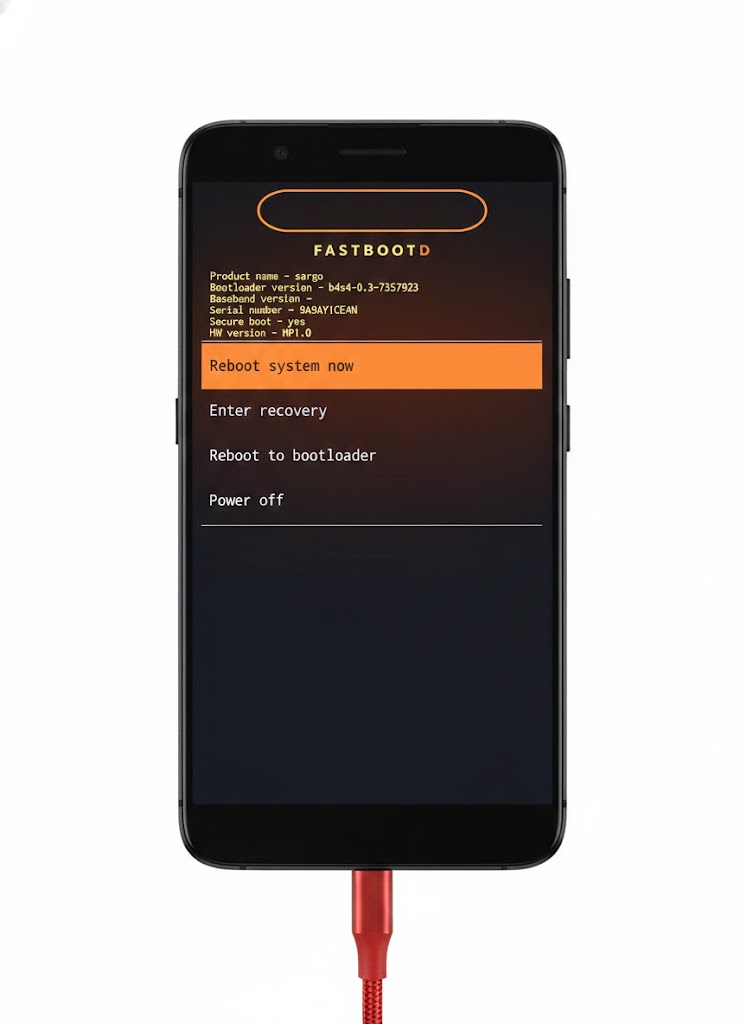
During the ROM installation, the phone screen will look like the image below. Please do not press anything and let the tool work automatically:
2.Complete
3Step 3: Enable Internal Debugging (Finish)
- Once the device boots into the home screen, go to phone settings.
- Enable Developer Options -> Enable USB Debugging.
- Connect with the main OneChanger app to start using!