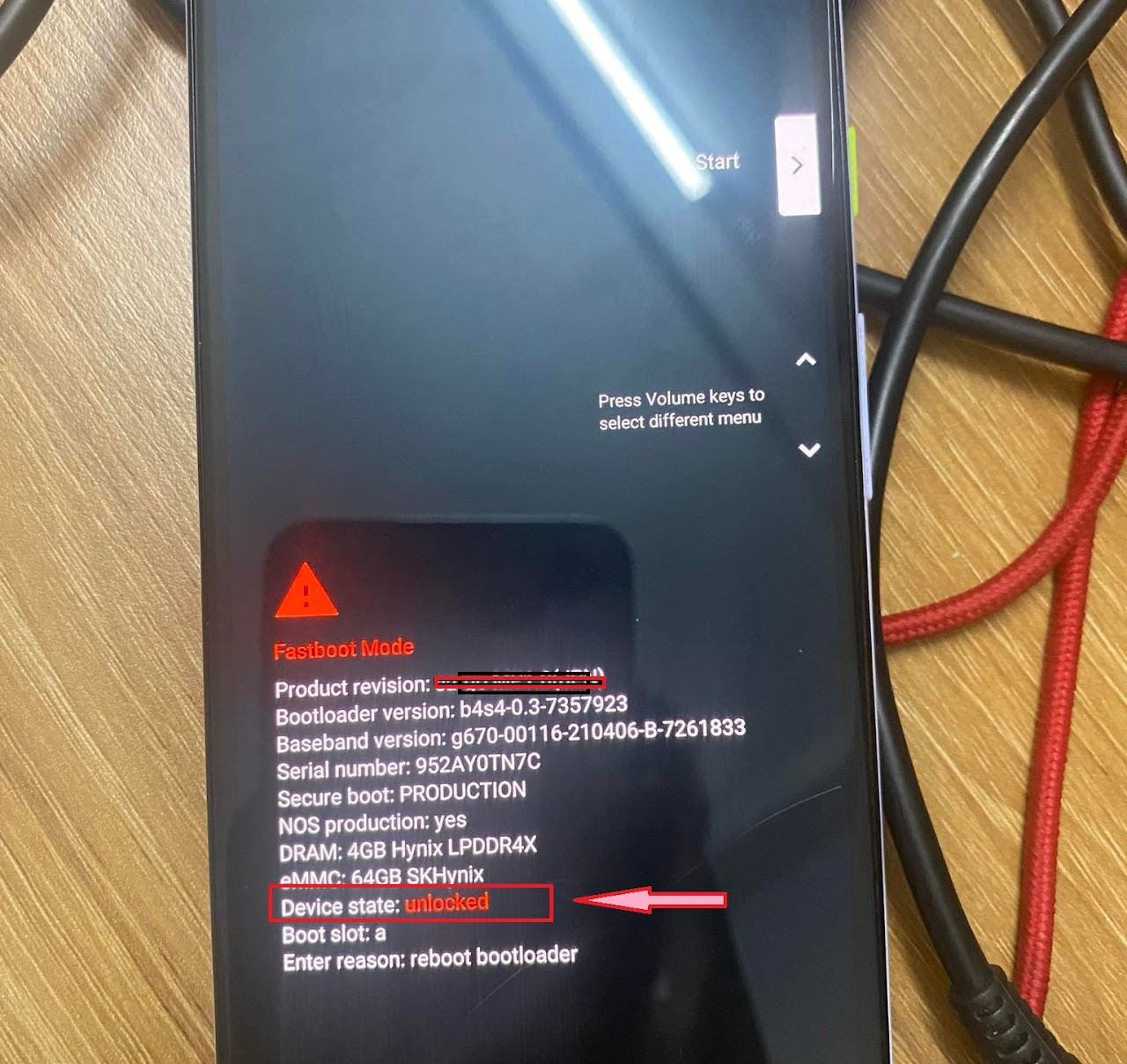
Unlock Google Pixel
I.Preparation
Note
Unlock Bootloader is a mandatory step to install Custom ROM. This process will Wipe (erase) all internal memory data.
II.Instructions
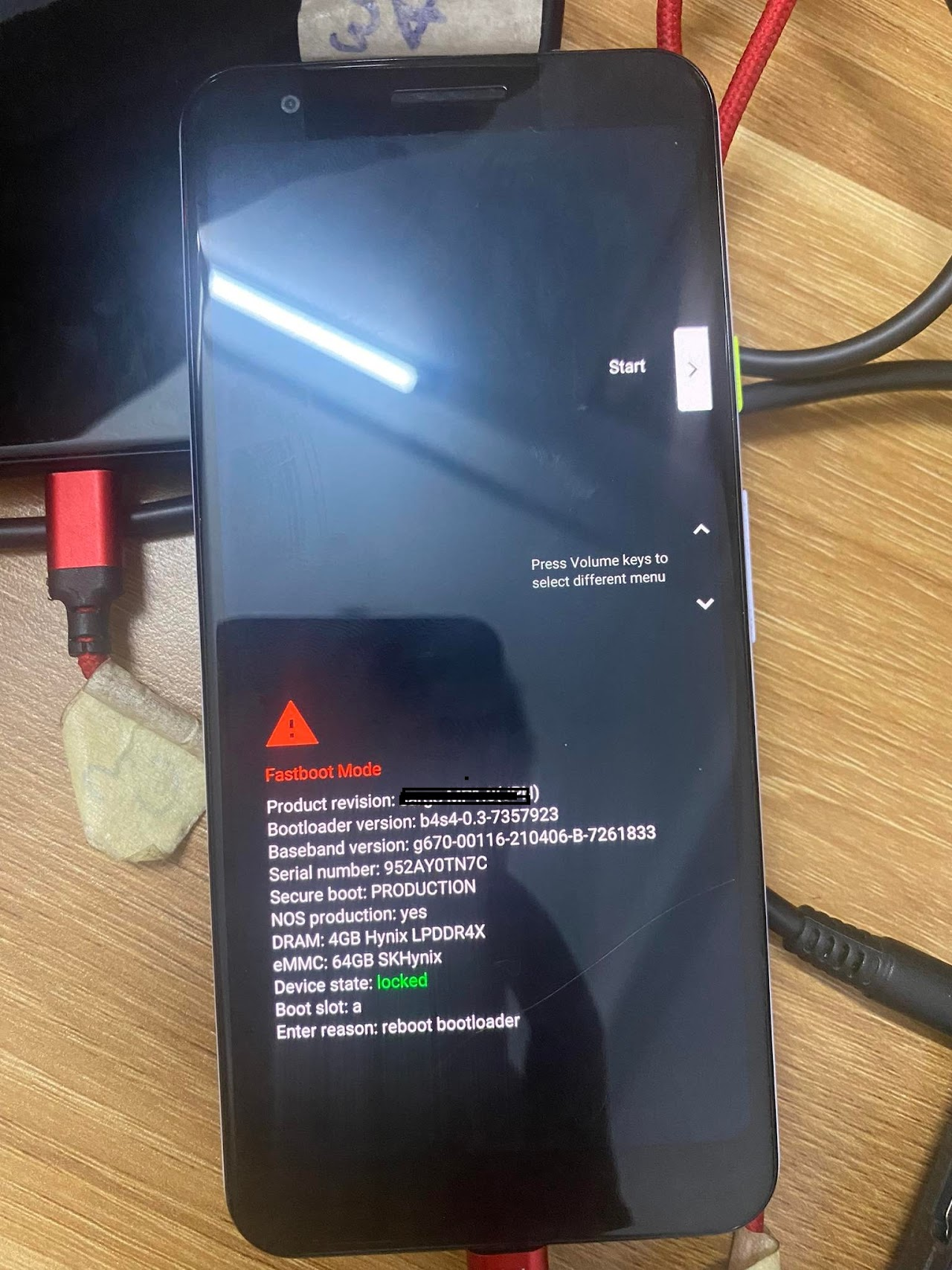
1Step 1: Enter Fastboot Mode
- Power off the phone.
- Hold Power + Volume Down until the Fastboot screen appears.
- Connect to the computer.
2Step 2: Run Unlock Command
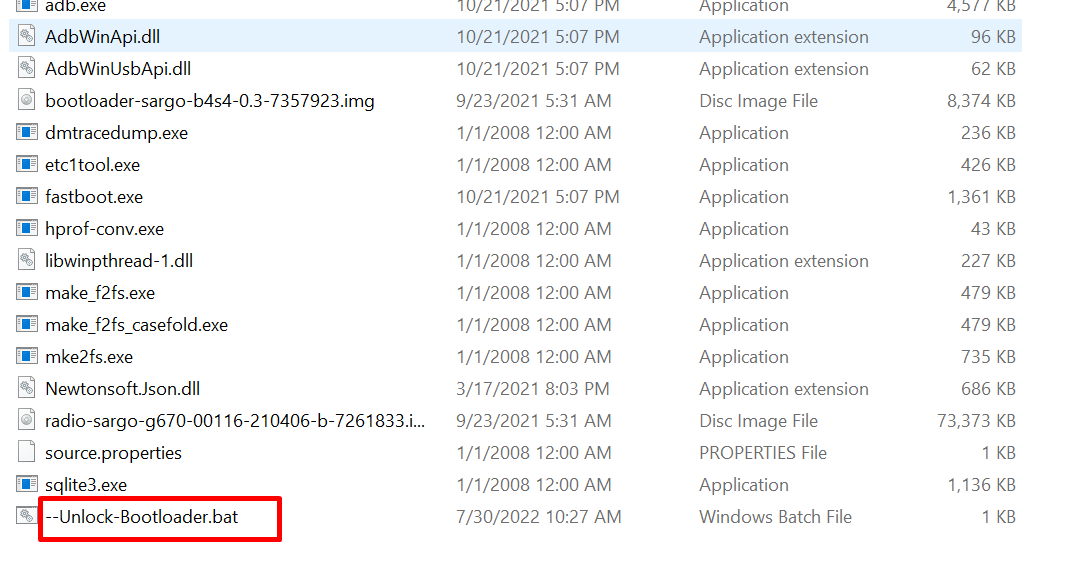
- Go to the ROM installer folder.
- Run the
Unlockbootloader.batfile.
3Step 3: Confirm on Phone
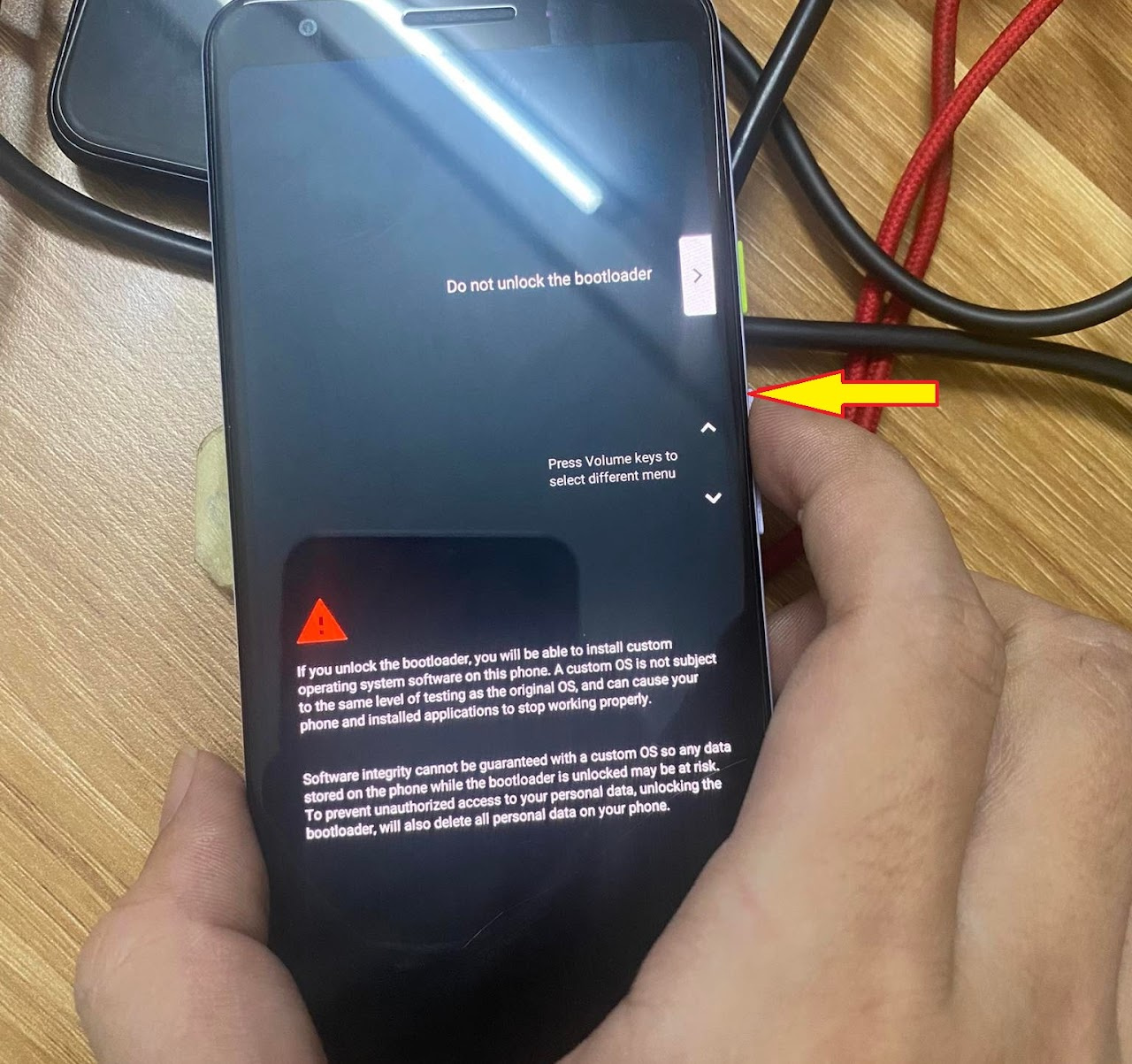
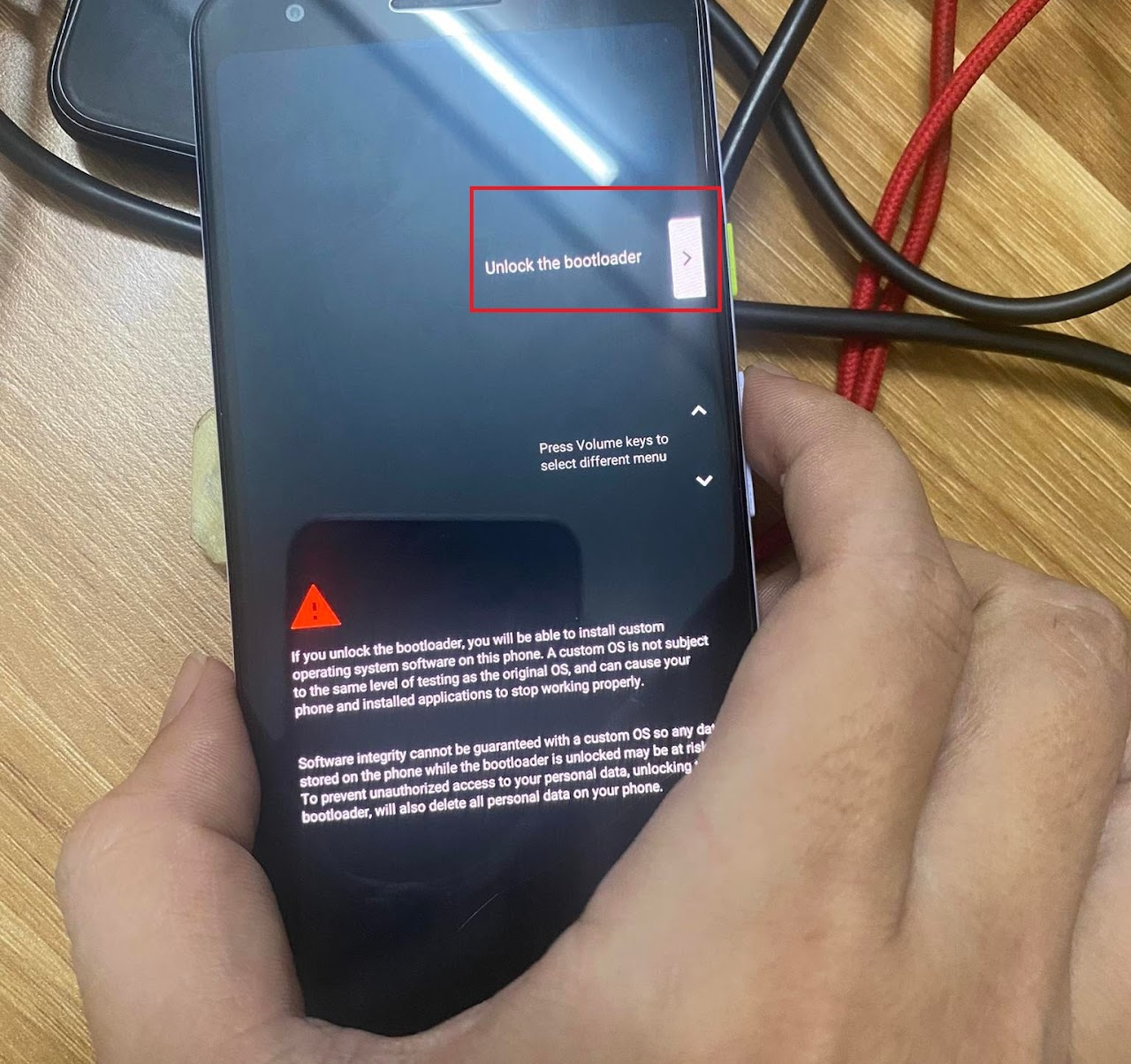
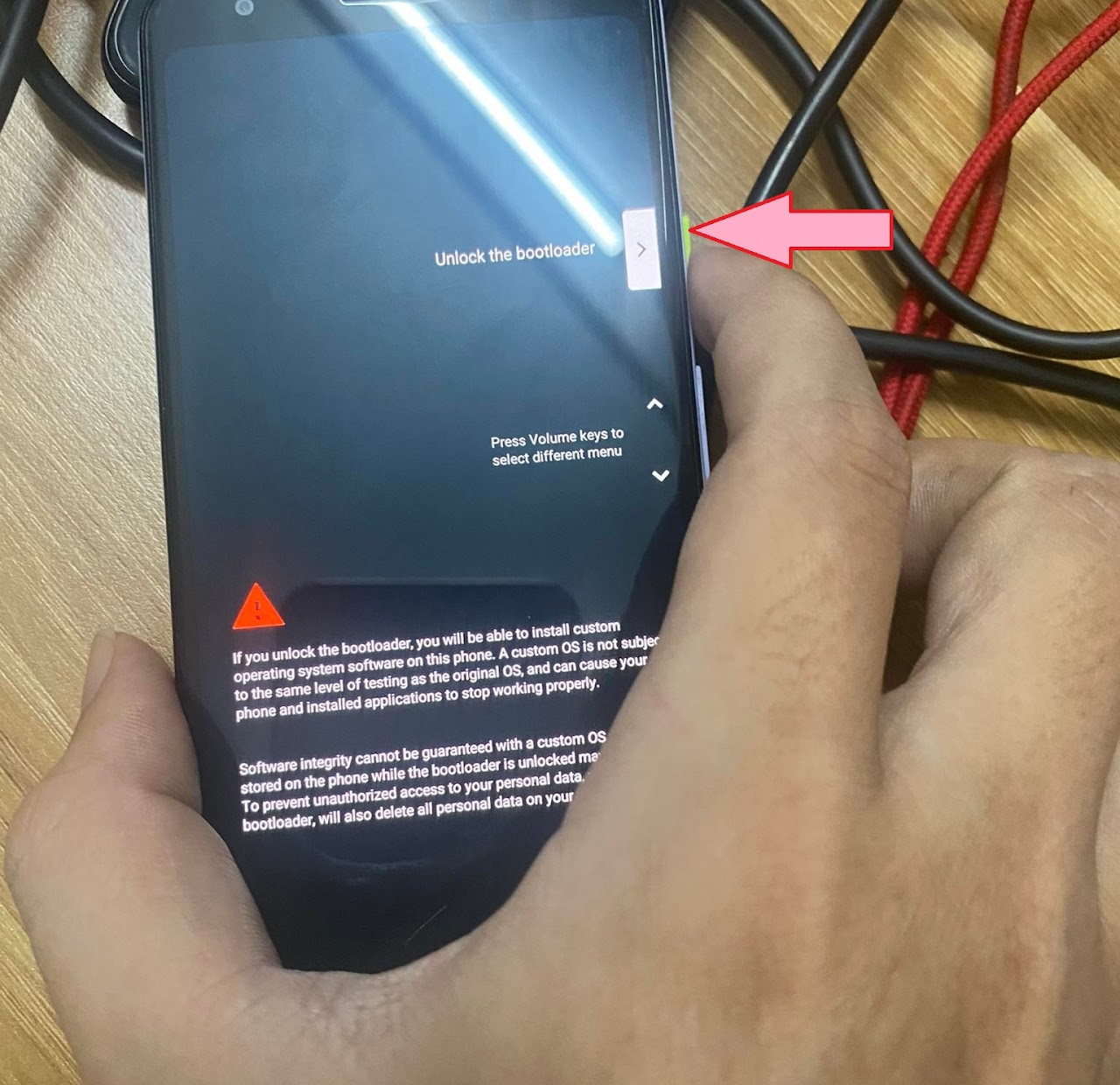
- The Unlock warning screen will appear on the phone.
- Use Volume Up/Down keys to move to the Unlock the bootloader line.
- Press the Power key to confirm.
4Step 4: Finish
The phone will restart and show a warning text (Device state: unlocked) or an open lock icon upon boot.