
Install Google USB Driver
I.Download Driver
II.Installation Guide
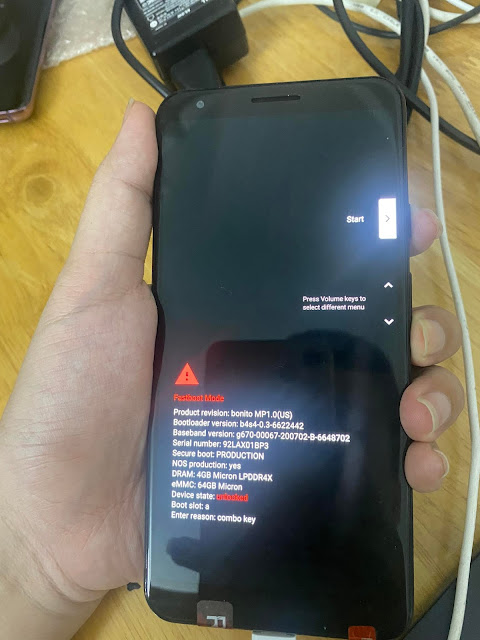
1Step 1: Enter Fastboot Mode
- Power off the phone.
- Hold Power + Volume Down.
- Connect the phone to the computer.
2Step 2: Update Driver
- Right-click on This PC (My Computer) -> Manage -> Device Manager.
- Find the device with a yellow exclamation mark (usually Android or ADB Interface).
- Right-click -> Update Driver.
- Select Browse my computer for drivers -> Let me pick from a list....
- Select Google USB Driver or point to the downloaded driver folder.
- Next -> Install -> Close. Watch Video:
Check
After installation, Android Bootloader Interface (or similar) will appear in Device Manager without the yellow exclamation mark.