
Pixel 3a - Android 11
Important Note
Please turn off MiChanger Pro tool before installation.
I.Download Tools & ROM
USB Google Driver
Install USB Google Driver (for first-time computer installation)
Unlock Bootloader
Automatic ROM installation tool
ROM Pixel 3a - Android 11
Download ROM Pixel 3a - Android 11 installer. Please Inbox FB for support!
Michanger Pro
Michanger Pro Tool
II.Installation Guide
1Step 1: Preparation & Enter Fastboot
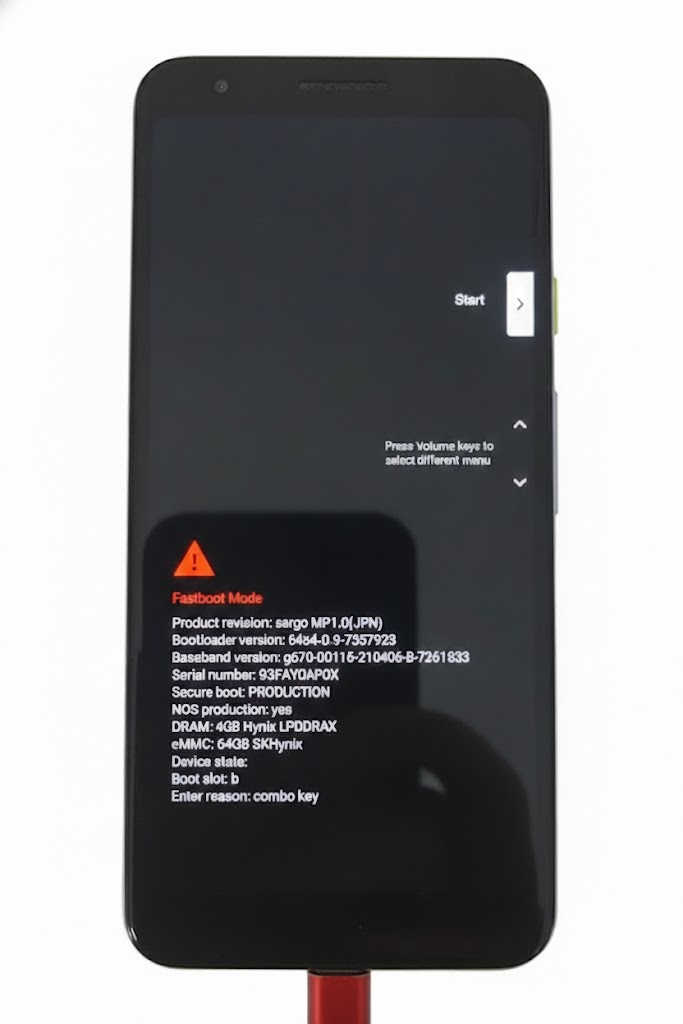
- Power off the phone.
- Hold Power + Volume Down (Vol -) to enter Fastboot mode.
- Connect to the computer via USB cable.
2Step 2: Install MiChanger Pro ROM
- Open tool
Setup_ROM_Pixel3a_MICHANGER_Pro.exe. - Click LOAD.
- Select Install MiChanger Pro ROM.
- Wait for the tool to run (the device will automatically restart into Fastboot a few times).
Setup ROM Pixel 3a - Android 11 | MiChanger Pro
Index
Device Id
Progress
Status
1
0091bf750804
fastboot
Fastboot
Note:
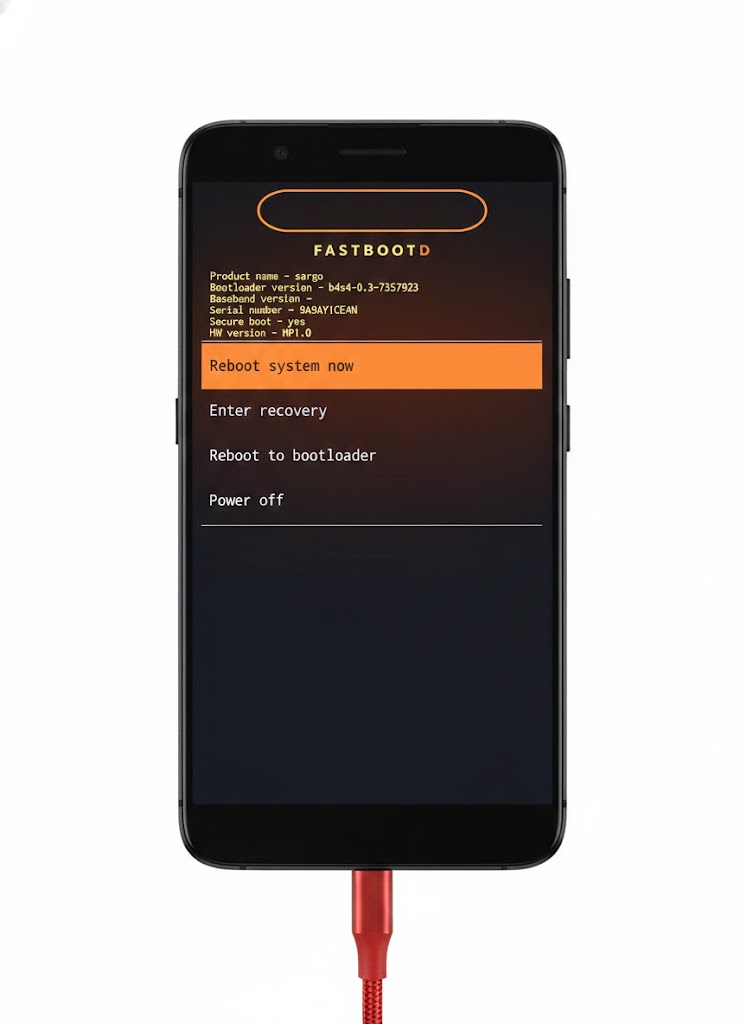
During the ROM installation process, the phone will appear as shown in the image, please keep it as is and do not press anything for the installation tool to work
Note:
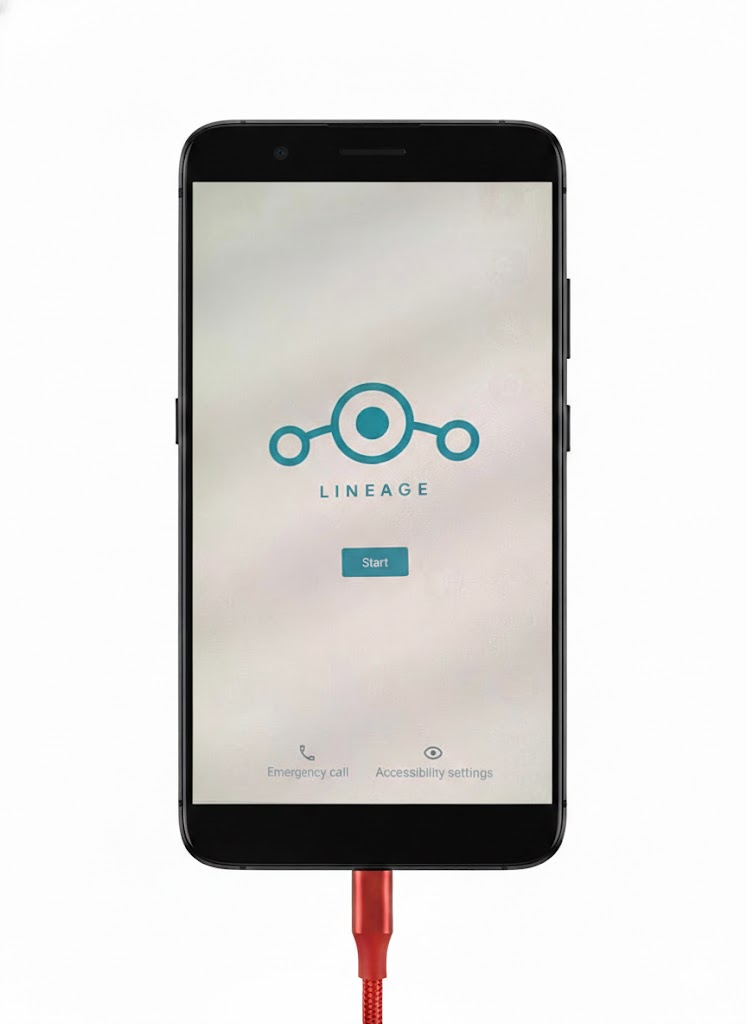
Wait for the phone to boot up as shown in the image then proceed to the step below
3Step 3: Install TWRP & GApps
- After installing ROM, put the device back to Fastboot (Power + Vol -).
- On the tool, click LOAD again.
- Select Install TWRP & GApps.
- Wait for the process to complete.
Setup ROM Pixel 3a - Android 11 | MiChanger Pro
Index
Device Id
Progress
Status
1
0091bf750804
fastboot
Fastboot
4Step 4: Enable USB Debugging
- Go to phone settings -> Enable USB Debugging.
- Connect to the main tool to use.