I.User Guide
Basic Socks Setup
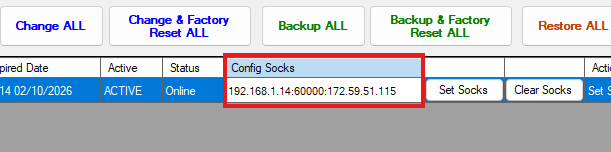
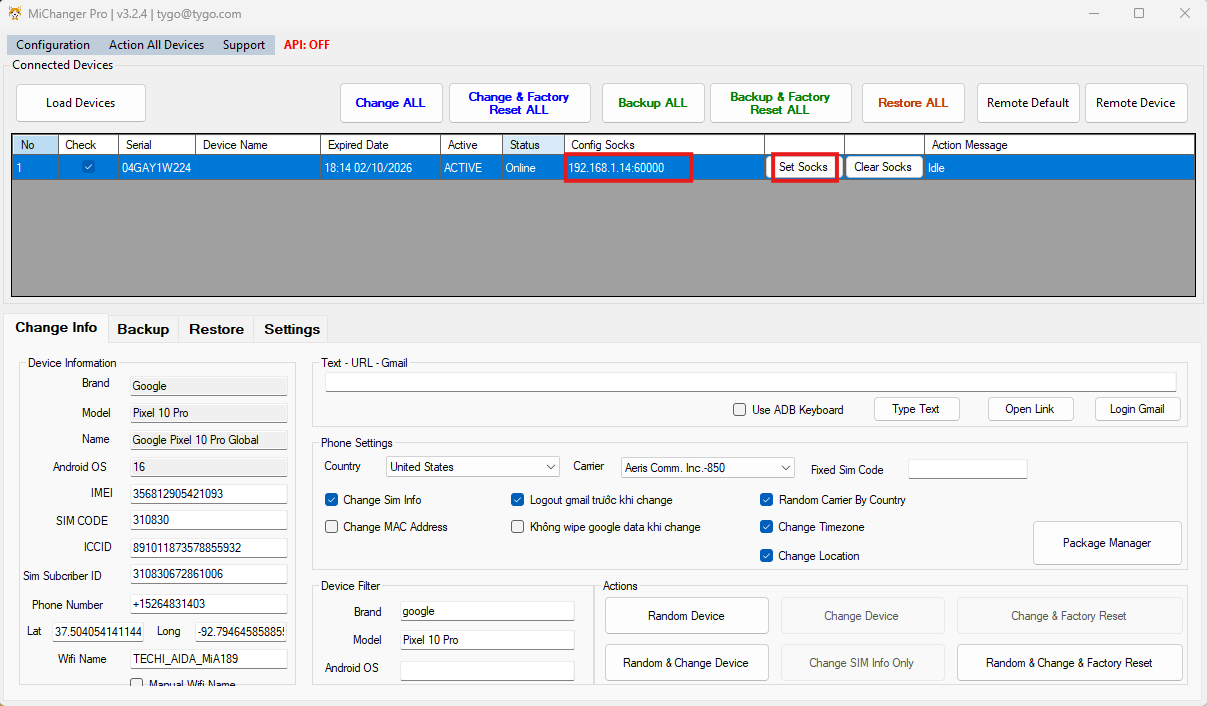
Please enter the socks information:
Without user/pass: HOST:PORT
With user/pass: HOST:PORT:USER:PASS Host:port or Host:port:username:password
Then click Set Socks.
Fake WebRTC IP (Important)
To prevent leaking your real IP via WebRTC, you must configure it using the correct format.
Check at: https://browserleaks.com/webrtc
Input format:
Without user/pass: HOST:PORT:IP_WEBRTC
With user/pass: HOST:PORT:USER:PASS:IP_WEBRTC
How to get IP_WEBRTC (LAN IP)
- Open the Start menu, type cmd and press Enter to open the Command Prompt.
- Type the command
ipconfigand press Enter. - Look for the IPv4 Address line, usually in the format
192.168.x.x. This is the LAN IP you need to enter in theIP_WEBRTCfield.